The best commercial golf simulator setup is the one that matches your business model, your space, and your budget, not the one with the most impressive spec sheet. A 4-bay entertainment lounge serving food and drinks has different equipment needs than a 2-bay unmanned studio, which has different needs than a coaching center with a teaching pro on staff. This guide breaks down every component of a commercial simulator setup: launch monitors, screens, enclosures, mats, projectors, simulation software, and computers. It is written for operators building or upgrading an indoor golf facility. If you're earlier in the process, our guide on how to start a golf simulator business covers the full path from idea to open doors.
This guide references publicly available vendor pricing and specifications. Equipment costs and availability change frequently. If anything is inaccurate, contact us and we will update it promptly.
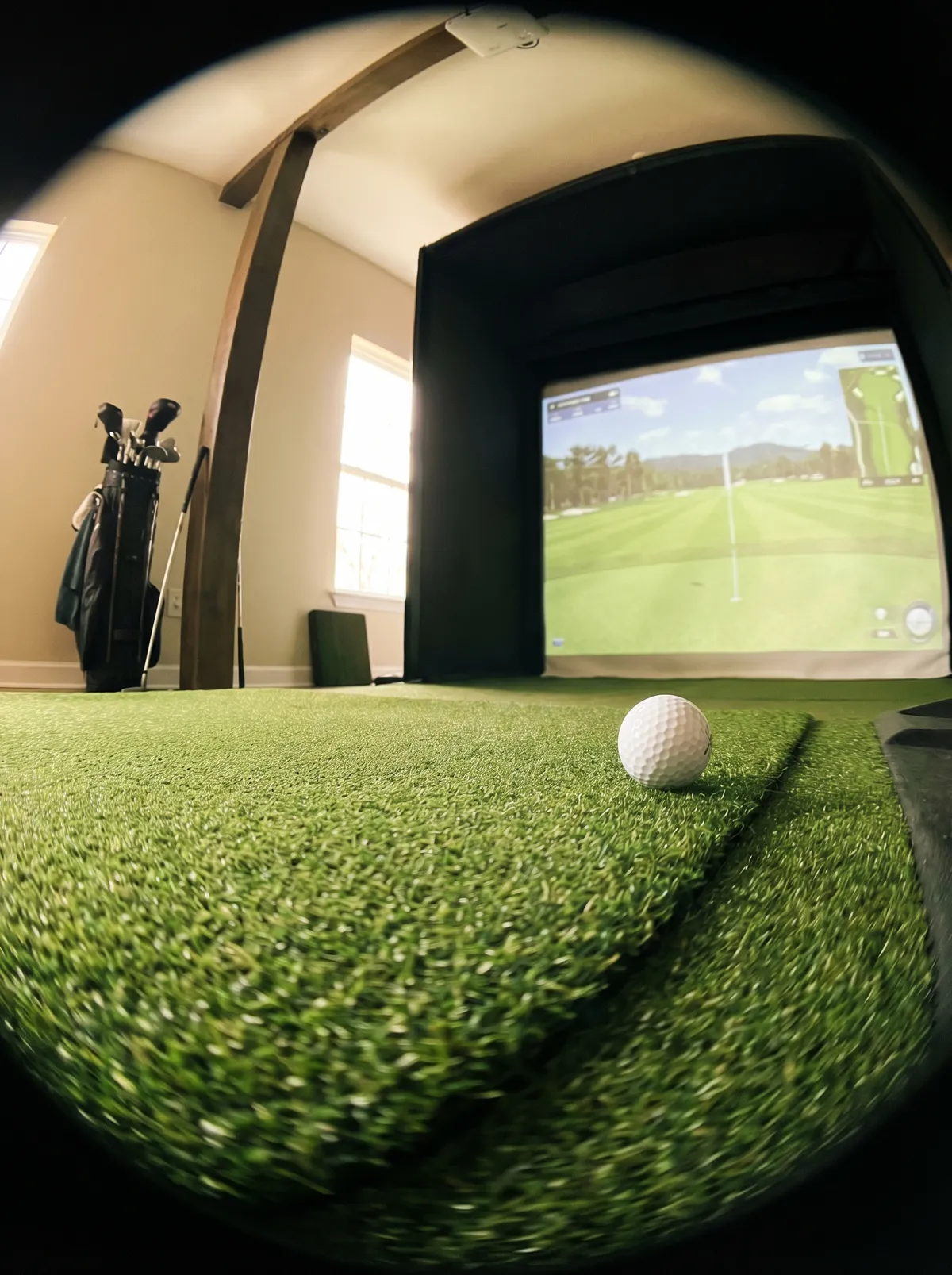
Launch monitors
The launch monitor is the technology that tracks the ball and club. It is the most expensive single component and the one operators spend the most time deliberating over. Here is the reality: the launch monitor matters for accuracy and coaching capability, but it isn't the reason customers choose your facility. Nobody has ever said "I chose that indoor golf place because of the logo on the launch monitor." That said, you need reliable, commercially rated hardware that won't break down after six months of daily use.
Entry-level ($2,000-$8,000)
FlightScope Mevo+ and SkyTrak+ are the most common at this tier. Portable, radar or photometric-based, and accurate enough for casual play. The Garmin Approach R10 fits here too at the lower end. These work for entertainment-first venues where the primary draw is social rather than serious golf improvement. Commercial durability concern: these units were designed for home and portable use. In a commercial setting running 8-12 hours per day, wear and calibration drift can be an issue.
Mid-range ($8,000-$25,000)
This is where most commercial operators land.
Uneekor EYE XO and EYE MINI: Overhead-mounted camera systems. The EYE XO is the workhorse of the mid-range commercial market. Accurate ball and club data, reliable in daily commercial use, and overhead mounting means nothing sits on the floor where customers can trip over it.
Foresight Sports GC3: Photometric (camera-based) launch monitor with strong accuracy. Widely used in coaching and club fitting. The GC3 sits on the floor behind the hitting area. Commercial operators should consider the overhead-mounted GCQuad for higher-traffic bays.
Golfzon GDR Plus and Vision Standard: Golfzon takes a different approach. Their systems are integrated: launch monitor, software, enclosure, and swing plate are designed as a single package rather than mix-and-match components. Golfzon says they hold over 60% of the global golf simulator market.
Premium ($25,000-$50,000+)
Trackman iO: The industry reference for accuracy. Used by PGA Tour players, top coaching academies, and high-end commercial venues. Overhead-mounted radar and camera hybrid. Trackman's software ecosystem is the deepest in the market for coaching and data analysis.
Foresight GCQuad: Four-camera photometric system with the highest data resolution in the Foresight lineup. Popular with club fitters and serious coaching centers.
Golfzon Two Vision: Golfzon's flagship. Dual high-speed camera system (ceiling and tee-side), 24-position moving swing plate, auto tee and ball return. The most immersive simulator experience on the market. Requires a minimum ceiling height of 10.8 feet with the swing plate platform.
Impact screens
The screen takes thousands of direct hits from golf balls traveling at 100+ mph. Commercial-grade impact screens need to be durable enough to last 1-2 years of daily use and optically clear enough for the projector image to look sharp.
Budget screens ($200-$600): Basic woven polyester. Functional but will need replacement every 6-12 months in a commercial setting.
Commercial-grade screens ($500-$1,500): Carl's Place Premium or Pro screens, SwingBay screens, or SIGPRO Premium Impact Screens. These are the standard for commercial venues. Designed for repeated high-speed impact, better image clarity, and longer lifespan (12-24 months of commercial use).
Replace screens before they show visible wear. A pilled, discolored, or sagging screen makes your $30,000 launch monitor look like a $3,000 setup.
Enclosures
Modular/kit enclosures ($1,500-$4,000): Pre-fabricated aluminum or steel frames with screen and netting included. Carl's Place, SIG10, and SimCaddy are common vendors. Quick to assemble, easy to replace components.
Custom-built enclosures ($3,000-$10,000+): Framed into the space by a contractor. More polished appearance, better acoustic isolation between bays. Common in entertainment venues where aesthetics matter.
Integrated systems: Golfzon and Full Swing deliver complete bay packages where the enclosure is part of the system design. Less flexibility but guaranteed compatibility.
Hitting mats
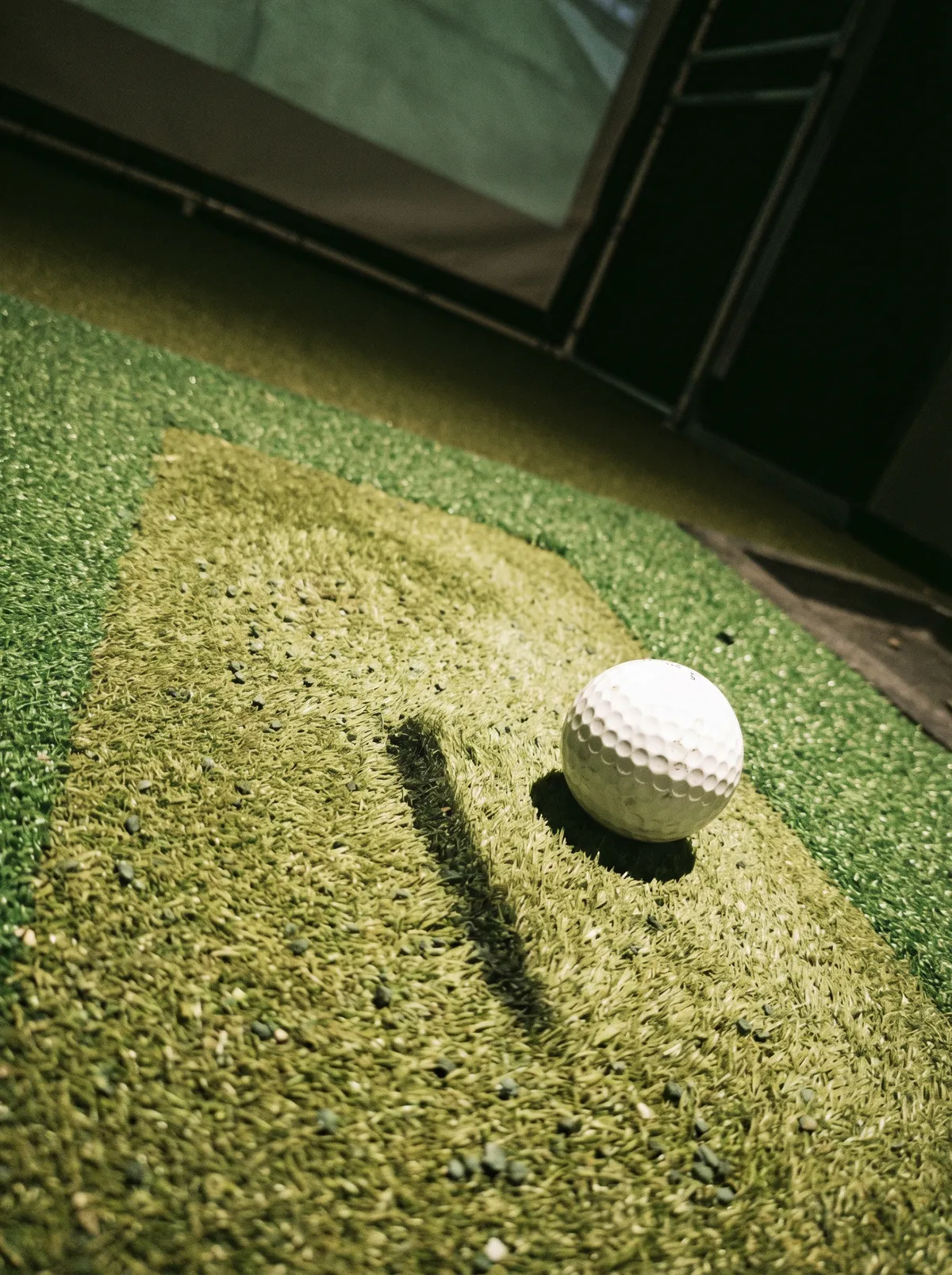
The mat takes the brunt of the abuse. A bad mat causes wrist and elbow injuries over time, wears out in months, and feels nothing like real turf. Commercial-grade mats ($500-$2,000): Fiberbuilt, TrueStrike, Carl's Place, and SwingTurf are the most common. Fiberbuilt is probably the most widely used in commercial settings due to the replaceable insert design, which means you swap the hitting surface instead of the entire mat.
Projectors
The projector displays the simulation image on the impact screen. In a commercial setting, brightness and throw distance are the two factors that matter most. Look for 3,000+ lumens minimum for a commercial space with ambient light. Laser projectors last longer than lamp-based projectors and are worth the premium for commercial use (20,000+ hours vs 3,000-5,000 hours for lamps). Short-throw projectors ($800-$2,000): BenQ, Optoma, and Epson are the most common brands. Ultra-short-throw ($2,000-$5,000) eliminates golfer shadow almost entirely.
Simulation software
E6 Connect ($100-$300/month per bay): The most widely used commercial simulation software. 100+ courses, online multiplayer, and compatibility with most launch monitors. Works with the booking and management platforms that most operators use.
GSPro ($250/year flat, not per bay): Popular with budget-conscious operators. Large course library (2,000+ community-designed courses), strong multiplayer.
Trackman Range / Trackman Performance Studio: Only works with Trackman hardware. The deepest coaching and data platform available. 300+ courses including 52 PGA Tour venues.
Golfzon software: Proprietary and bundled with Golfzon hardware. 240+ licensed real-world courses. Cannot be used with non-Golfzon launch monitors.
The computer
Every bay needs a dedicated computer running the simulation software. Minimum specs for commercial use: Intel i7 or AMD Ryzen 7 processor, 16GB RAM, NVIDIA RTX 3060 or better GPU, SSD storage. Budget $1,200-$2,000 per bay for a properly specced machine. Do not use consumer laptops. They overheat in enclosed bay spaces, the GPU is underpowered for commercial simulation software, and they fail faster under continuous daily use.

Working with an installer
For commercial builds, especially 4+ bay facilities, working with a professional installer is worth the cost. Companies like On Screen Sports (Canada's #1 Golfzon distributor, based in the Greater Toronto Area) handle the full commercial process: consultation, space planning, equipment selection, installation, and ongoing service. Other established commercial installers include Ace Indoor Golf (US-wide, brand-agnostic), Design2Golf (custom commercial and residential builds), GolfIn (full-service across Canada, US, and Europe), and InHome Golf (commercial installations across Canada). The installer relationship matters beyond the initial build. The same principle applies to your access control hardware and your POS system: choose vendors who support what they sell.
Putting together a complete bay: cost by tier
| Tier | Launch Monitor | Screen + Enclosure | Mat | Projector | Computer + Software | Total Per Bay |
|---|---|---|---|---|---|---|
| Entry | FlightScope Mevo+ / SkyTrak+ | Carl's Place kit | Fiberbuilt | BenQ short-throw | Gaming PC + E6 Connect | $8,000-$15,000 |
| Mid-range | Uneekor EYE XO / Foresight GC3 | Commercial enclosure + SIGPRO screen | Fiberbuilt / TrueStrike | BenQ LK830ST laser | Custom-built PC + E6 Connect | $18,000-$30,000 |
| Premium | Trackman iO / Golfzon Two Vision | Custom-built or integrated | Golfzon swing plate or premium turf | Ultra-short-throw laser | High-spec workstation + Trackman/Golfzon software | $40,000-$70,000 |
These ranges include equipment only. Add installation ($2,000-$5,000 per bay for professional install), networking ($500-$2,000 for the facility), and buildout costs separately. Our full cost breakdown covers the complete picture, and our profitability analysis covers the revenue side.
Common equipment mistakes
Overspending on launch monitors, underspending on everything else. A $40,000 Trackman in a bay with a $200 screen, a cheap mat, and a $600 projector creates a disjointed experience. The screen is what the customer sees. The mat is what they feel. Balance the budget across all components.
Ignoring heat management. Each bay generates significant heat from the projector and computer. Four bays in an enclosed space without adequate HVAC will overheat in summer. Budget for HVAC upgrades during buildout, not after opening when the projectors start thermal throttling.
Choosing equipment before choosing software. Not all launch monitors work with all simulation software. Trackman hardware requires Trackman software. Golfzon is a closed ecosystem. Decide your software first, then select compatible hardware.
No maintenance plan. Screens wear out. Mats wear out. Projector lamps dim. Computers slow down. Build a maintenance budget: 5-10% of equipment cost annually.
Written by Mathieu Morin, CRO at Golf O'Clock. Based on operating data from 200+ indoor golf venues.
Frequently asked questions
What is the best commercial golf simulator for an indoor golf business?
For most commercial operators, a mid-range setup built around an Uneekor EYE XO or Foresight GC3 with a commercial-grade enclosure, a quality impact screen, and E6 Connect software offers the best balance of accuracy, durability, and cost. Premium venues serving serious golfers or coaching centers should consider Trackman iO or Golfzon Two Vision.
How much does a commercial golf simulator cost?
$8,000 to $70,000+ per bay depending on the tier. Entry-level bays start around $8,000-$15,000. Mid-range commercial bays run $18,000-$30,000. Premium bays cost $40,000-$70,000+. Our detailed cost guide breaks down the full startup investment.
Should I buy an integrated system (Golfzon, Full Swing) or build a custom bay?
Integrated systems are simpler to install and guaranteed to work together. Custom bays offer more flexibility and easier component-level replacement. Most independent operators build custom bays. Read our franchise vs independent comparison for more on this trade-off.
Do I need a professional installer?
For a single bay, a handy operator can self-install. For 4+ bay commercial builds, professional installation is strongly recommended. The cost ($2,000-$5,000 per bay) is offset by correct electrical work, proper projector alignment, and avoiding costly mistakes. Installers like On Screen Sports, Ace Indoor Golf, and Design2Golf handle the full process.
How long do commercial simulator components last?
Impact screens: 12-24 months of daily commercial use. Hitting mats: 12-24 months. Projector lamps: 3,000-5,000 hours (laser projectors last 20,000+ hours). Computers: 3-5 years before performance upgrades are needed. Launch monitors: 5+ years with proper maintenance.
What simulation software should I use?
E6 Connect is the commercial standard for compatibility and course quality. GSPro is the budget alternative with a massive course library. Trackman and Golfzon software are hardware-locked to their respective ecosystems. Choose your software before your launch monitor, not after, to ensure compatibility.